


 Pro Benefits
 Über
Über
 Bedingungen
 Datenschutz
 Child Safety & Protection
 Benachrichtigungen
 Ayrush Global It Services Pvt Ltd
What Is IP Address? A Complete Beginner's Guide
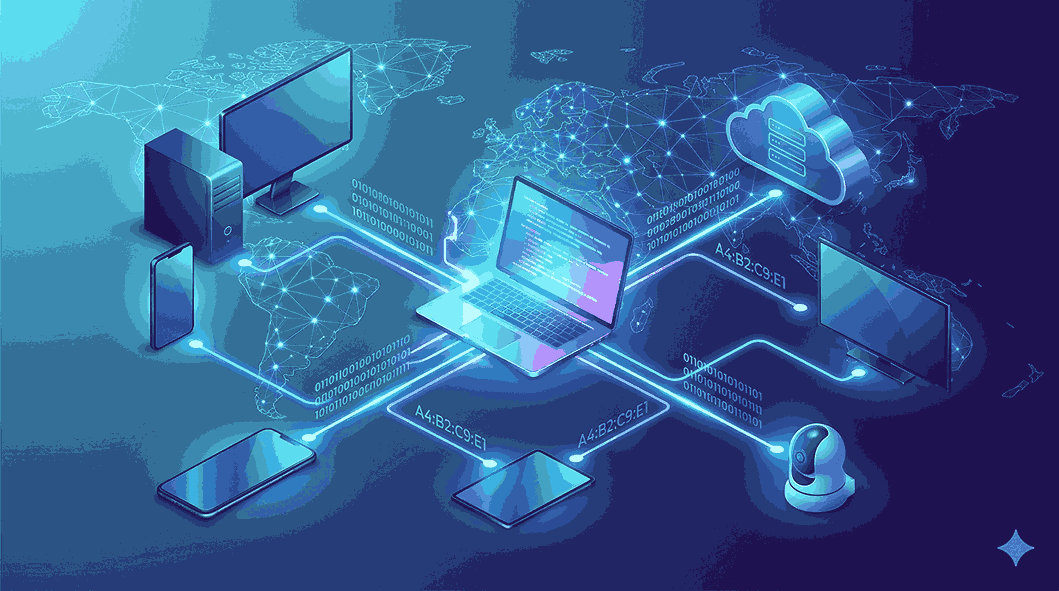
The internet has become an essential part of everyday life. Whether you are browsing websites, sending emails, streaming videos, or using online applications, your device communicates with other devices through a unique identifier known as an IP address. Understanding what is IP address is one of the first steps toward learning how the internet works.
Every smartphone, laptop, tablet, smart TV, or server connected to the internet requires an IP address to send and receive information. Without it, devices would have no way to identify each other or exchange data.
In this comprehensive guide by Get Answerss, you'll learn what an IP address is, how it works, its different types, why it matters, and how you can find or protect your IP address.
What Is IP Address?
An IP address (Internet Protocol Address) is a unique numerical label assigned to every device connected to a network that uses the Internet Protocol for communication.
Think of an IP address as your home's mailing address. Just as the postal service needs your address to deliver packages, the internet needs your IP address to send data to the correct device.
Whenever you open a website, stream a movie, download a file, or play an online game, your device uses its IP address to communicate with servers across the internet.
An IP address serves two primary purposes:
-
Identifies a device on a network.
-
Helps route data to the correct destination.
Without IP addresses, the internet would not function efficiently because devices wouldn't know where to send or receive information.
How Does an IP Address Work?
Every time you connect to the internet, your Internet Service Provider (ISP) assigns your device an IP address. This address allows your device to communicate with websites, applications, and other online services.
Here's a simplified process:
-
You type a website address into your browser.
-
The browser requests the website from a server.
-
The server identifies your device using its IP address.
-
The requested webpage is sent back to your device.
-
Your browser displays the webpage.
This entire process happens within seconds, making internet browsing fast and seamless.
Why Is an IP Address Important?
An IP address is essential for internet communication. It ensures that information reaches the correct destination without confusion.
Some key reasons IP addresses are important include:
Device Identification
Every connected device has its own unique address, allowing networks to distinguish between multiple devices.
Data Routing
Routers use IP addresses to determine where data packets should be delivered.
Internet Connectivity
Without an IP address, your device cannot connect to websites, applications, or cloud services.
Network Management
Businesses use IP addresses to manage devices, monitor traffic, and troubleshoot connectivity issues.
Security Monitoring
IP addresses help identify suspicious activities, block malicious users, and investigate cybersecurity incidents.
Types of IP Addresses
There are several types of IP addresses, each serving a specific purpose.
Public IP Address
A public IP address is assigned by your Internet Service Provider and is visible on the internet.
This is the address websites and online services see when you connect.
Features include:
-
Accessible over the internet
-
Assigned by the ISP
-
Used for online communication
Private IP Address
A private IP address is assigned within a local network, such as your home or office Wi-Fi.
Devices like laptops, smartphones, printers, and smart TVs communicate using private IP addresses.
These addresses cannot be accessed directly from the internet.
Static IP Address
A static IP address remains the same over time.
Businesses often use static IPs for:
-
Hosting websites
-
Email servers
-
Remote access
-
Business applications
Advantages include stable connectivity and easier remote management.
Dynamic IP Address
A dynamic IP address changes periodically.
Most home internet users receive dynamic IP addresses because they are:
-
Easier to manage
-
Cost-effective
-
Automatically assigned
Dynamic IP addresses provide flexibility for Internet Service Providers.
IPv4 vs IPv6
There are currently two versions of Internet Protocol addresses.
IPv4
IPv4 is the older and most widely used version.
Example:
192.168.1.1
It consists of four numbers separated by periods.
IPv4 supports approximately 4.3 billion unique addresses.
As internet-connected devices have grown dramatically, IPv4 addresses have become limited.
IPv6
IPv6 was introduced to solve the shortage of IPv4 addresses.
Example:
2001:0db8:85a3:0000:0000:8a2e:0370:7334
IPv6 offers:
-
A significantly larger address space
-
Better security features
-
Improved routing efficiency
-
Enhanced performance for modern networks
Many modern websites and internet providers now support IPv6 alongside IPv4.
Structure of an IP Address
An IP address is divided into different sections that identify both the network and the device.
For example:
192.168.10.25
In this address:
-
The first portion identifies the network.
-
The second portion identifies the specific device within that network.
This structure helps routers deliver information accurately and efficiently.
How Are IP Addresses Assigned?
IP addresses are assigned in different ways depending on the type of network.
Internet Service Providers
When you connect to the internet, your ISP assigns your public IP address.
Routers
Your Wi-Fi router assigns private IP addresses to devices connected to your local network.
DHCP
Most networks use the Dynamic Host Configuration Protocol (DHCP) to automatically assign IP addresses.
This eliminates the need for users to configure addresses manually.
Where Are IP Addresses Used?
IP addresses are involved in nearly every online activity.
Some common examples include:
-
Browsing websites
-
Sending emails
-
Video conferencing
-
Online gaming
-
Cloud computing
-
Streaming movies
-
Mobile applications
-
Smart home devices
-
Internet banking
-
File sharing
Every internet-connected service depends on IP addresses to function properly.
How to Find Your IP Address
Finding your IP address is simple.
On Windows
-
Open Command Prompt.
-
Type ipconfig.
-
Press Enter.
-
Look for the IPv4 Address.
On macOS
-
Open System Settings.
-
Go to Network.
-
Select your active connection.
-
View your IP information.
On Android
-
Open Settings.
-
Tap Network & Internet.
-
Select Wi-Fi.
-
Tap your connected network.
On iPhone
-
Open Settings.
-
Tap Wi-Fi.
-
Select your connected network.
-
View the IP Address section.
You can also search online for "What is my IP address" to see your public IP.
Can Someone Track You Using an IP Address?
An IP address can reveal limited information about your connection.
Typically, it may indicate:
-
Country
-
City or nearby region
-
Internet Service Provider
However, an IP address does not reveal your exact home address or personal identity by itself.
Law enforcement agencies and Internet Service Providers may access additional information under specific legal circumstances.
Is It Safe to Share Your IP Address?
In most situations, simply knowing your IP address does not allow someone to hack your device.
However, publicly exposing your IP address can sometimes increase the risk of:
-
DDoS attacks
-
Network scanning
-
Targeted cyberattacks
-
Privacy concerns
For this reason, many users choose to keep their IP addresses private whenever possible.
How to Protect Your IP Address
There are several ways to improve your online privacy.
Use a VPN
A Virtual Private Network masks your real IP address by routing internet traffic through a secure server.
Enable a Firewall
Firewalls help block unauthorized access attempts to your network.
Keep Software Updated
Regular updates fix security vulnerabilities that attackers might exploit.
Use Secure Networks
Avoid connecting to unknown or unsecured public Wi-Fi whenever possible.
Monitor Network Activity
Regularly review connected devices and remove any unfamiliar ones.
Common Misconceptions About IP Addresses
Many people misunderstand how IP addresses work.
Every Device Has the Same IP Address
Not true.
Each device on a local network has its own private IP address, while they may share one public IP.
IP Addresses Never Change
Incorrect.
Dynamic IP addresses change periodically depending on your ISP.
An IP Address Reveals Your Exact Home Address
False.
It generally provides only approximate location information.
IP Addresses Are Only for Computers
Wrong.
Smartphones, tablets, gaming consoles, smart TVs, security cameras, and IoT devices all use IP addresses.
Real-World Example
Imagine ordering food online.
Your home address tells the delivery driver exactly where to deliver your order.
Similarly, your IP address tells websites exactly where to send the requested information.
Without this digital address, web pages, videos, emails, and downloads would never reach your device.
The Future of IP Addresses
As billions of new devices connect to the internet each year, the importance of efficient IP addressing continues to grow.
Technologies such as smart cities, autonomous vehicles, cloud computing, artificial intelligence, and the Internet of Things (IoT) rely heavily on reliable IP communication.
The gradual adoption of IPv6 ensures there will be enough unique addresses for future internet expansion while improving network performance and security.
Conclusion
Understanding what is IP address is fundamental to learning how the internet works. An IP address acts as the unique identity of every internet-connected device, enabling seamless communication between computers, smartphones, websites, and servers around the world.
Whether you're browsing the web, streaming content, participating in online meetings, or managing smart home devices, IP addresses work behind the scenes to make digital communication possible. Learning the basics of public and private IP addresses, IPv4 and IPv6, and online privacy can help you better understand today's connected world.
At Get Answerss, we aim to make complex technology topics simple and accessible. By understanding concepts like IP addresses, you'll build a stronger foundation for exploring networking, cybersecurity, and the internet with greater confidence.
 Deutsch
 English
 Arabic
 French
 Spanish
 Portuguese
 Turkish
 Dutch
Dutch
 Italiano
 Russian
 Romaian
 Portuguese (Brazil)
 Greek
Greek
