


 Pro Benefits
 About
About
 Términos
 Privacidad
 Child Safety & Protection
 Notificaciones
 Ayrush Global It Services Pvt Ltd
Splitting Family Files in Legacy Using Split Screen View
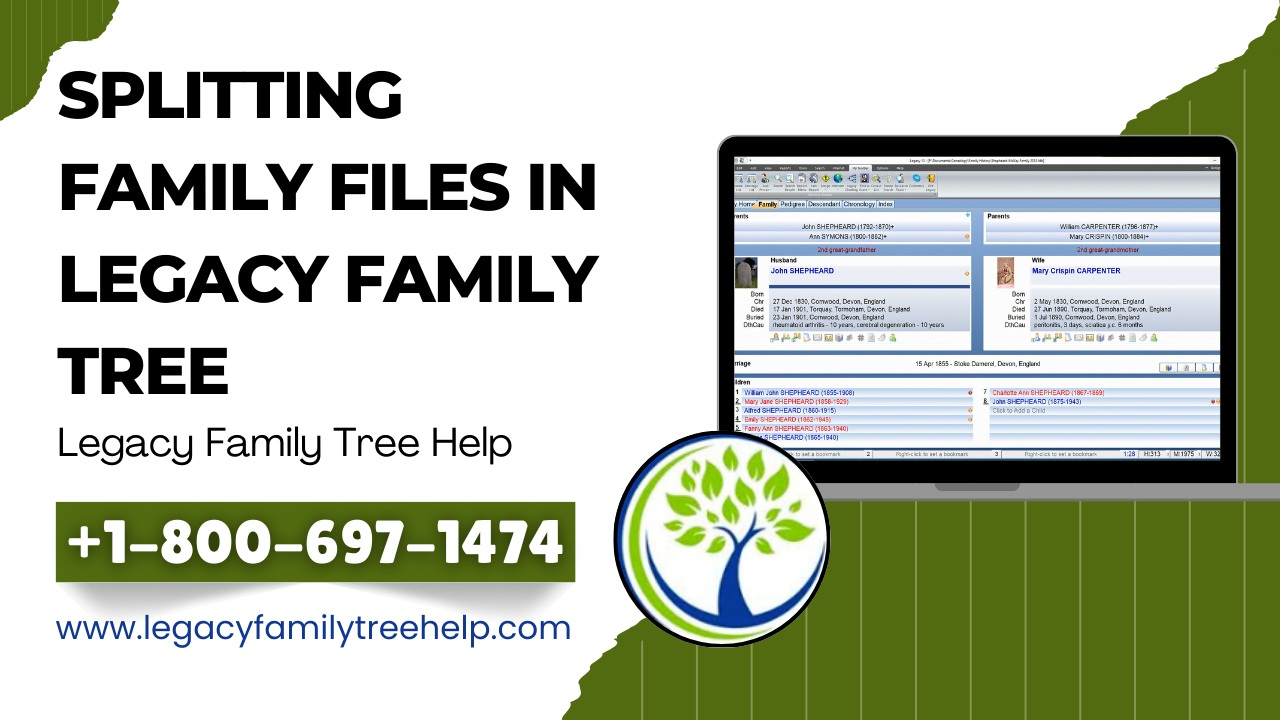
Managing a very large family tree can sometimes slow down your research process. When your database grows too big, it may become difficult to navigate, update, or share specific family branches. That’s where Splitting Family Files in Legacy becomes helpful.
Using the Split Screen View in Legacy Family Tree, you can divide a large family file into smaller, easier-to-manage files without damaging your original data.
Why Split a Large Family File?
Many users prefer keeping all records in one file. While Legacy can handle a massive number of individuals, very large files can:
-
Slow down performance
-
Make searching more difficult
-
Become harder to organize
-
Complicate data sharing
By splitting your file, you improve speed, organization, and control over your genealogy research.
What Is Split Screen View?
Split Screen View allows you to open two family files side by side. One window contains your original large file, and the other displays your new, empty file. This setup makes it easy to drag and copy selected family lines into a new database.
It’s a simple and safe way to manage large genealogy records.
How to Start Splitting Family Files in Legacy
Here’s a basic overview:
-
Open your large family file in Family View.
-
Enable Split Screen from the View menu.
-
Create a new family file in the second window.
-
Drag and drop the selected individual into the new file.
-
Choose options to copy spouses, children, and ancestors.
-
Repeat the process for other branches if needed.
Within minutes, you’ll have two smaller family files that are easier to manage.
Best Places to Split Your Family Tree
You can divide your file at logical points such as
-
Between your line and your spouse’s line
-
At the parent level
-
At the grandparent level
-
At great-grandparent generations
This approach helps maintain clear family divisions without losing connections.
Benefits of Splitting Family Files
Splitting Family Files in Legacy offers several advantages:
-
Faster software performance
-
Easier data organization
-
Simplified sharing of family branches
-
Better long-term database management
Final Thoughts
If your genealogy database feels too large or slow, Splitting Family Files in Legacy using Split Screen View is a practical solution. It keeps your research organized, manageable, and efficient while protecting your original data.
 Spanish
 English
 Arabic
 French
 Portuguese
 Deutsch
 Turkish
 Dutch
Dutch
 Italiano
 Russian
 Romaian
 Portuguese (Brazil)
 Greek
Greek
