


 Pro Benefits
 Σχετικά
 Όρους
Όρους
 Ιδιωτικότητα
 Child Safety & Protection
 Ειδοποιήσεις
 Ayrush Global It Services Pvt Ltd
How to Scan Negatives at Home: A Complete Beginner's Guide
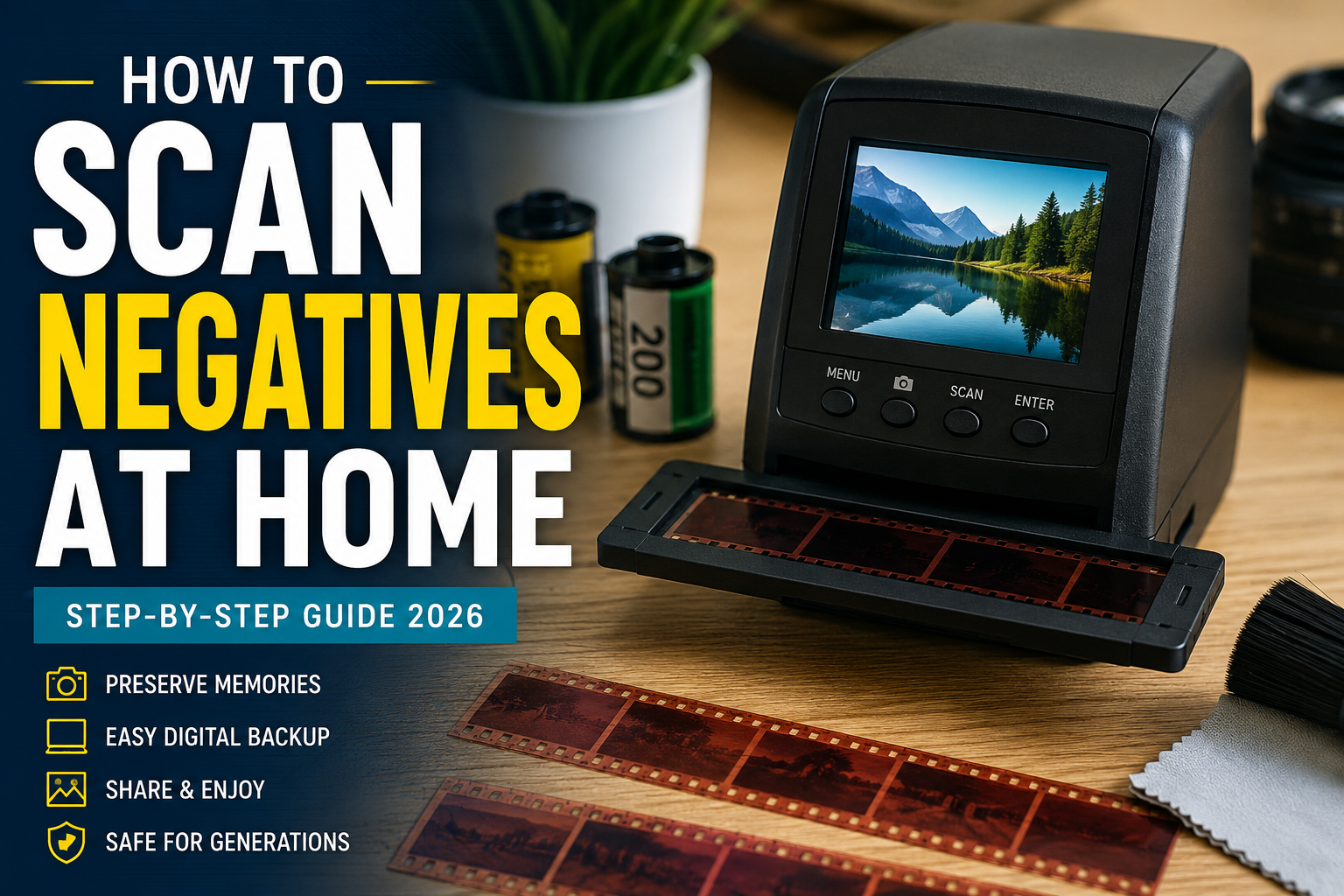
Old film negatives often hold priceless family memories, but they won't last forever. Dust, humidity, and time can gradually damage them, making digitization one of the smartest ways to preserve your photos for generations.
If you've been wondering how to scan negatives at home, the good news is that you don't need to be a professional photographer. With the right equipment and a few simple techniques, you can convert old film into high-quality digital images from the comfort of your home.
Whether you're preserving family albums or organizing decades of photography, this guide explains everything you need to know—including choosing the right scanner, preparing your negatives, scanning correctly, and editing your images afterward.
Why You Should Scan Film Negatives
Film negatives contain much more image information than many printed photographs. When scanned properly, they can produce sharp, detailed digital files that often look better than old photo prints.
Digitizing negatives allows you to:
- Preserve aging family memories
- Prevent permanent damage from deterioration
- Easily share photos with friends and family
- Create digital backups
- Print new high-quality photographs anytime
If you're just getting started, this detailed guide on how to scan negatives provides additional tips for beginners:
https://memoryvaultbox.com/blogs/blog/how-to-scan-negatives-using-a-scanner
What You'll Need
Before scanning, gather the following items:
- Film negative scanner or flatbed scanner with transparency support
- Clean microfiber cloth
- Air blower or anti-static brush
- Cotton gloves (optional)
- Computer with scanning software
- External hard drive or cloud storage for backups
Having clean negatives before scanning can significantly improve image quality and reduce editing later.
Step 1: Clean Your Film Negatives
Dust is the biggest enemy of quality scans.
Before placing negatives into the scanner:
- Blow away loose dust.
- Handle film only by the edges.
- Never wipe aggressively.
- Avoid fingerprints.
- Store unused negatives in protective sleeves.
Taking a few extra minutes here saves hours of photo editing later.
Step 2: Choose the Right Scanner
Not every scanner is designed for film.
Dedicated film scanners generally provide:
- Higher optical resolution
- Better color accuracy
- Improved sharpness
- Faster scanning
Flatbed scanners can also work well if they include transparency adapters.
If you're looking for professional-quality equipment, choosing the right scanner makes a significant difference in final image quality.
Step 3: Set the Correct Resolution
Resolution determines how much detail your scan captures.
Recommended settings:
- 1200 DPI: Basic digital viewing
- 2400 DPI: Standard photo archiving
- 3200–4000 DPI: Large prints and restoration work
Higher isn't always better.
Extremely high DPI settings create larger files without noticeable improvements on lower-quality negatives.
Step 4: Scan in Color
Even black-and-white negatives should usually be scanned using color mode.
This captures:
- More tonal information
- Better shadow detail
- Easier restoration later
Save master files as TIFF whenever possible.
Create JPEG copies afterward for everyday use and sharing.
Step 5: Preview Before Final Scan
Always use the preview function.
Check for:
- Cropping
- Orientation
- Exposure
- Focus
- Dust spots
Making small adjustments now prevents rescanning later.
Step 6: Invert the Negative
Film negatives must be converted into positive images.
Most scanning software includes automatic negative conversion.
If not, photo editing software can invert colors after scanning.
Modern editing software also helps restore faded colors and remove scratches.
Step 7: Edit Your Photos
Basic editing often includes:
- Color correction
- Contrast adjustments
- Dust removal
- Scratch repair
- White balance
- Cropping
Avoid excessive sharpening.
Natural-looking images usually preserve the original film character much better.
Common Mistakes to Avoid
Many beginners unknowingly reduce scan quality.
Avoid these common mistakes:
- Scanning dirty negatives
- Using very low resolution
- Compressing files immediately
- Over-editing colors
- Saving only JPEG files
- Ignoring backups
Remember, you only want to scan valuable negatives once if possible.
Can You Use a Regular Flatbed Scanner?
Yes—but only if it supports transparency scanning.
A standard document scanner without a backlight cannot properly scan film negatives.
Flatbed scanners with transparency units offer good results for casual users, while dedicated film scanners usually produce higher-quality images.
Is Scanning at Home Worth It?
Home scanning is ideal if you:
- Have small to medium collections
- Enjoy DIY projects
- Want complete control
- Don't mind spending time learning
However, scanning thousands of negatives can become time-consuming.
Professional services often use commercial-grade equipment that delivers exceptional color accuracy and detail while saving considerable time.
Choosing Between DIY and Professional Digitization
Consider DIY scanning if:
- You have fewer than 500 negatives.
- You already own a scanner.
- You enjoy editing photos.
Professional scanning may be better when:
- Your negatives are damaged.
- You have thousands of images.
- You want maximum image quality.
- Time is valuable.
Many families prefer professional digitization for irreplaceable memories because experienced technicians can restore faded film while preserving important details.
Understanding Memory Vault Box
Many people researching film preservation eventually come across Memory Vault Box.
The company specializes in converting older media—including film negatives—into digital formats, making it easier to preserve valuable family memories without investing in expensive equipment.
If you're comparing DIY scanning with professional digitization, learning more about Memory Vault Box and its services can help you decide which option best fits your needs.
Memory Vault Box Price
One of the biggest factors when choosing between home scanning and a professional service is cost.
The overall Memory Vault Box price depends on factors such as:
- Number of negatives
- Type of media
- Restoration options
- Output format
- Additional digitization services
Reviewing current pricing before making a decision helps you compare the investment against purchasing your own scanning equipment.
What Customers Say
Before choosing any digitization provider, it's wise to read independent customer experiences.
Looking through Memory Vault Box reviews and complaints can provide helpful insights into turnaround times, image quality, customer support, and overall satisfaction, allowing you to make a more informed decision.
Tips for Long-Term Digital Preservation
Once your negatives have been scanned:
- Keep at least three backups.
- Store one copy in the cloud.
- Use an external hard drive.
- Organize files by year or event.
- Keep original negatives safely stored.
Digital preservation is an ongoing process, not a one-time task.
Final Thoughts
Learning how to scan negatives at home is a rewarding way to preserve family history while giving old memories new life. With proper preparation, the right scanner, and careful editing, you can create digital images that remain safe for decades.
For larger collections or valuable archival negatives, professional digitization can save significant time while delivering outstanding image quality. Whether you choose DIY scanning or expert conversion, the most important step is preserving your memories before time causes irreversible damage.
 Greek
Greek
 English
 Arabic
 French
 Spanish
 Portuguese
 Deutsch
 Turkish
 Dutch
Dutch
 Italiano
 Russian
 Romaian
 Portuguese (Brazil)
