


 Pro Benefits
 About
About
 Termeni
 Confidențialitate
 Child Safety & Protection
 Notificări
 Ayrush Global It Services Pvt Ltd
How to Build a Smart Checkout System Using YOLO for Retail Stores
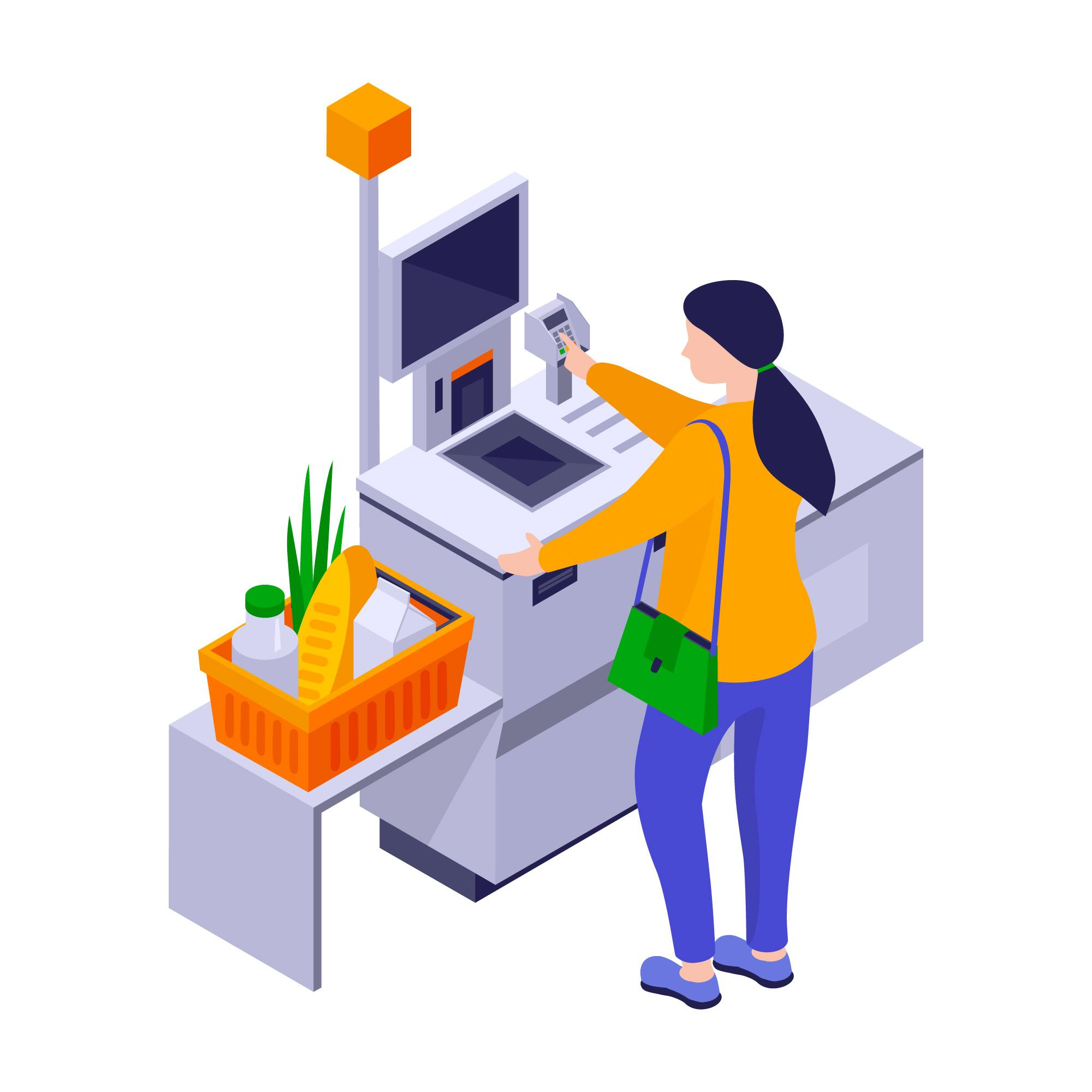
Retail stores are under growing pressure to reduce checkout delays while maintaining accuracy and operational efficiency. Customers increasingly expect faster shopping experiences, especially in supermarkets, convenience stores, and high-traffic retail chains. This shift has accelerated interest in intelligent retail automation and computer vision-based billing systems.
Many retailers are now exploring how to build a Smart Checkout System using YOLO and modern AI infrastructure. Traditional barcode-based checkout systems often create bottlenecks during peak hours and still depend heavily on manual scanning. Computer vision allows retailers to automate item recognition, billing, and transaction workflows with far less human intervention.
YOLO, short for “You Only Look Once,” has become one of the most practical object detection frameworks for retail environments because of its speed and real-time processing capabilities. Combined with cameras, sensors, and AI checkout workflows, it helps create scalable smart billing systems that work across different store formats.
Understanding Smart Checkout Systems
What Is a Smart Checkout System?
A smart checkout system uses computer vision, artificial intelligence, and retail automation software to identify products automatically during checkout. Instead of manually scanning barcodes, the system detects items visually through cameras and AI models.
These systems can operate in different ways. Some use kiosk-based self-checkout stations, while others support fully cashierless environments where customers simply pick up products and leave after automatic payment processing.
Modern smart checkout environments typically include:
-
AI-powered cameras
-
Retail object detection systems
-
Payment gateways
-
Inventory synchronization tools
-
Real-time analytics dashboards
Core Objectives of Retail Checkout Automation
Retail checkout automation focuses on reducing transaction friction. The main goal is to shorten checkout times while improving billing accuracy and operational visibility.
Retailers also use these systems to reduce repetitive manual work. Staff can shift attention from scanning items to assisting customers, stocking shelves, or handling exceptions.
Another important objective is data collection. AI checkout systems provide detailed insights into customer movement, checkout behavior, inventory activity, and store congestion patterns.
Why YOLO Is Suitable for Retail Environments
YOLO checkout development has gained popularity because the framework is designed for real-time object detection. Unlike slower detection models, YOLO processes images in a single pass, which reduces latency during checkout operations.
Retail stores contain dynamic environments with moving carts, crowded shelves, and overlapping products. YOLO handles these situations effectively because it can detect multiple objects simultaneously within a video frame.
Its flexibility also supports deployment across:
-
Grocery stores
-
Convenience chains
-
Smart vending systems
-
Autonomous retail stores
-
Hybrid checkout kiosks
Step 1: Define the Retail Checkout Workflow
Product Identification Requirements
Before development begins, retailers must determine how products will be recognized. Some stores require SKU-level identification, while others only need category-level detection.
Small retail catalogs are easier to train because the number of product variations remains manageable. Larger supermarkets require far more extensive datasets due to packaging similarities and inventory scale.
Clear identification rules improve model accuracy during deployment.
Checkout Speed Expectations
Retail checkout systems must process transactions quickly enough to avoid frustrating customers. Most stores target checkout completion within a few seconds after items are placed in the detection zone.
This requirement directly affects:
-
Camera frame rates
-
GPU selection
-
Edge processing infrastructure
-
AI inference speed
Retailers must balance detection accuracy with processing speed.
Integration With Existing Retail Systems
Smart billing systems rarely operate independently. They usually connect with:
-
Point-of-sale software
-
Inventory databases
-
ERP platforms
-
Loyalty systems
-
Payment gateways
Strong integration planning prevents operational disruptions later.
Security and Fraud Prevention Needs
Retail theft remains a major concern in automated checkout environments. Systems must identify suspicious behavior such as hidden products, item swapping, or unscanned merchandise.
Retailers often combine computer vision retail checkout systems with:
-
Weight sensors
-
Motion tracking
-
Behavioral analytics
-
Transaction verification tools
These layers improve checkout reliability and reduce shrinkage.
Step 2: Set Up the Hardware Infrastructure
Camera Placement Strategies
Camera positioning plays a major role in AI detection accuracy. Poor placement creates blind spots, shadows, and product occlusion problems.
Most checkout systems use overhead cameras positioned directly above carts or checkout trays. Some stores also add side-angle cameras for improved object visibility.
Important factors include:
-
Lighting consistency
-
Viewing angles
-
Frame resolution
-
Product distance from cameras
Edge Devices and GPUs
Real-time AI inference requires strong processing hardware. Retailers commonly deploy edge AI devices because they reduce dependence on cloud latency.
Edge infrastructure processes video streams locally, which improves response speed and lowers bandwidth requirements.
Popular hardware choices include:
-
NVIDIA Jetson devices
-
Edge GPUs
-
Industrial AI processors
-
Retail AI gateways
Sensor Integration
Many stores combine cameras with additional sensors to improve checkout reliability.
Common sensor integrations include:
-
Weight sensors
-
RFID systems
-
Motion detectors
-
Infrared tracking
-
Smart shelf sensors
Sensor fusion helps resolve uncertain detections and improves billing confidence.
Network and Connectivity Requirements
AI retail checkout architecture depends heavily on stable connectivity. Video streams, transaction data, and analytics dashboards generate significant network traffic.
Retailers typically separate operational AI traffic from customer Wi-Fi networks to maintain system reliability and security.
Step 3: Train YOLO for Retail Product Detection
Dataset Collection and Annotation
Training YOLO models begins with collecting large image datasets of retail products. These datasets must include products from different angles, lighting conditions, and shelf arrangements.
Data annotation is equally important. Every product must be labeled accurately so the model can learn object boundaries and classifications.
Retail environments usually require thousands of labeled images for reliable detection performance.
Product Labeling Challenges
Retail stores often contain visually similar packaging. Beverage bottles, snack packets, and household products may differ only slightly in color or branding.
This creates challenges such as:
-
False classification
-
Missed detections
-
Duplicate recognition
-
Partial visibility errors
Frequent dataset updates are necessary as packaging designs change.
Model Training and Validation
After data preparation, the YOLO model undergoes training using labeled retail images. Validation testing measures how well the system performs under real store conditions.
Important performance metrics include:
|
Metric |
Purpose |
|
Precision |
Measures correct detections |
|
Recall |
Measures detection completeness |
|
FPS |
Measures processing speed |
|
mAP |
Measures overall detection quality |
Retail checkout systems must maintain both speed and accuracy simultaneously.
Accuracy Testing and Optimization
Before live deployment, retailers usually conduct pilot testing in controlled store environments.
Testing focuses on:
-
Dense product scenarios
-
Fast customer movement
-
Partial item visibility
-
Lighting variation
-
Cart overcrowding
Continuous retraining improves long-term detection stability.
Step 4: Develop the Checkout Engine
Real-Time Product Recognition
The checkout engine receives live camera feeds and processes them through the YOLO detection model.
Detected products are mapped to inventory databases, which retrieve pricing and product metadata automatically.
This process must occur within milliseconds to support smooth customer interactions.
Cart Tracking and Mapping
Modern systems track products throughout the shopping session instead of only during final checkout.
AI checkout workflow systems maintain virtual cart states by monitoring:
-
Product additions
-
Product removals
-
Quantity changes
-
Customer interactions
Persistent cart tracking improves transaction accuracy.
Price Calculation Systems
Once products are identified, the billing engine calculates totals, taxes, discounts, and promotional pricing automatically.
Retailers often integrate dynamic pricing systems that update based on:
-
Membership status
-
Coupons
-
Time-sensitive promotions
-
Inventory campaigns
Payment Gateway Integration
The final stage involves secure payment processing. Most systems support:
-
Digital wallets
-
QR payments
-
Credit cards
-
Contactless transactions
-
Mobile payment apps
Fast payment confirmation is critical for maintaining a frictionless checkout experience.
Step 5: Deploy and Monitor the System
Real-Time Monitoring Dashboards
Retail operators require centralized dashboards to monitor system health and transaction activity.
These dashboards track:
-
Detection accuracy
-
Checkout times
-
Failed transactions
-
Device performance
-
Customer flow patterns
Performance Analytics
Analytics help retailers identify operational bottlenecks and customer behavior trends.
Insights may include:
-
Peak shopping hours
-
Frequently abandoned carts
-
Product interaction heatmaps
-
Queue congestion zones
Error Detection and Correction
No AI checkout system achieves perfect accuracy. Human review workflows are still important for exception handling.
Stores usually maintain support staff to resolve:
-
Incorrect detections
-
Payment disputes
-
Suspicious activity
-
Technical failures
System Maintenance and Updates
Retail object detection systems require regular maintenance to remain accurate over time.
Maintenance tasks include:
-
Camera recalibration
-
Dataset updates
-
Model retraining
-
Software patching
-
Security updates
Without continuous maintenance, detection quality gradually declines.
Common Challenges During Deployment
Product Occlusion Problems
Products stacked closely together can partially block each other, reducing detection accuracy.
Multi-camera systems and depth sensors help reduce these issues.
Lighting Variations
Retail lighting changes throughout the day. Reflections, shadows, and glare can affect model performance significantly.
Controlled lighting environments improve checkout consistency.
Similar Product Packaging
Products with nearly identical packaging remain difficult for AI systems to distinguish accurately.
Higher-resolution imaging and expanded datasets help reduce confusion.
Scaling Across Multiple Stores
Deploying AI systems across multiple retail locations introduces infrastructure complexity. Different store layouts, lighting conditions, and network capabilities require localized calibration.
Standardization becomes critical during large-scale expansion.
Future of Smart Checkout Technology
AI-Based Shopping Personalization
Future checkout systems will likely connect customer preferences with personalized recommendations and dynamic promotions during shopping sessions.
Fully Autonomous Stores
Retailers continue experimenting with stores that remove traditional checkout entirely. Customers enter, pick products, and leave while AI systems handle billing automatically.
Multi-Camera AI Checkout Systems
Future environments will rely on multiple synchronized cameras for stronger tracking accuracy and reduced blind spots.
Retail Digital Twin Systems
Retail digital twins may allow operators to simulate store layouts, customer movement, and checkout efficiency before physical deployment.
Conclusion
Retail checkout automation is moving rapidly toward intelligent, computer vision-driven systems. Businesses that plan to build a Smart Checkout System using YOLO must focus on infrastructure planning, dataset quality, hardware selection, and long-term operational maintenance.
YOLO has become a practical foundation for real-time retail object detection because of its speed and adaptability. Combined with AI checkout workflow systems, it supports faster billing, improved operational visibility, and reduced manual intervention.
As retail automation matures, checkout systems will likely become more autonomous, connected, and data-driven across both physical and digital shopping environments.
 Romaian
 English
 Arabic
 French
 Spanish
 Portuguese
 Deutsch
 Turkish
 Dutch
Dutch
 Italiano
 Russian
 Portuguese (Brazil)
 Greek
Greek
