


 Pro Benefits
 About
About
 Terms
Terms
 Privacy
 Child Safety & Protection
 Notifications
 Ayrush Global It Services Pvt Ltd
What is the Difference Between Manual QA and Automation Testing?
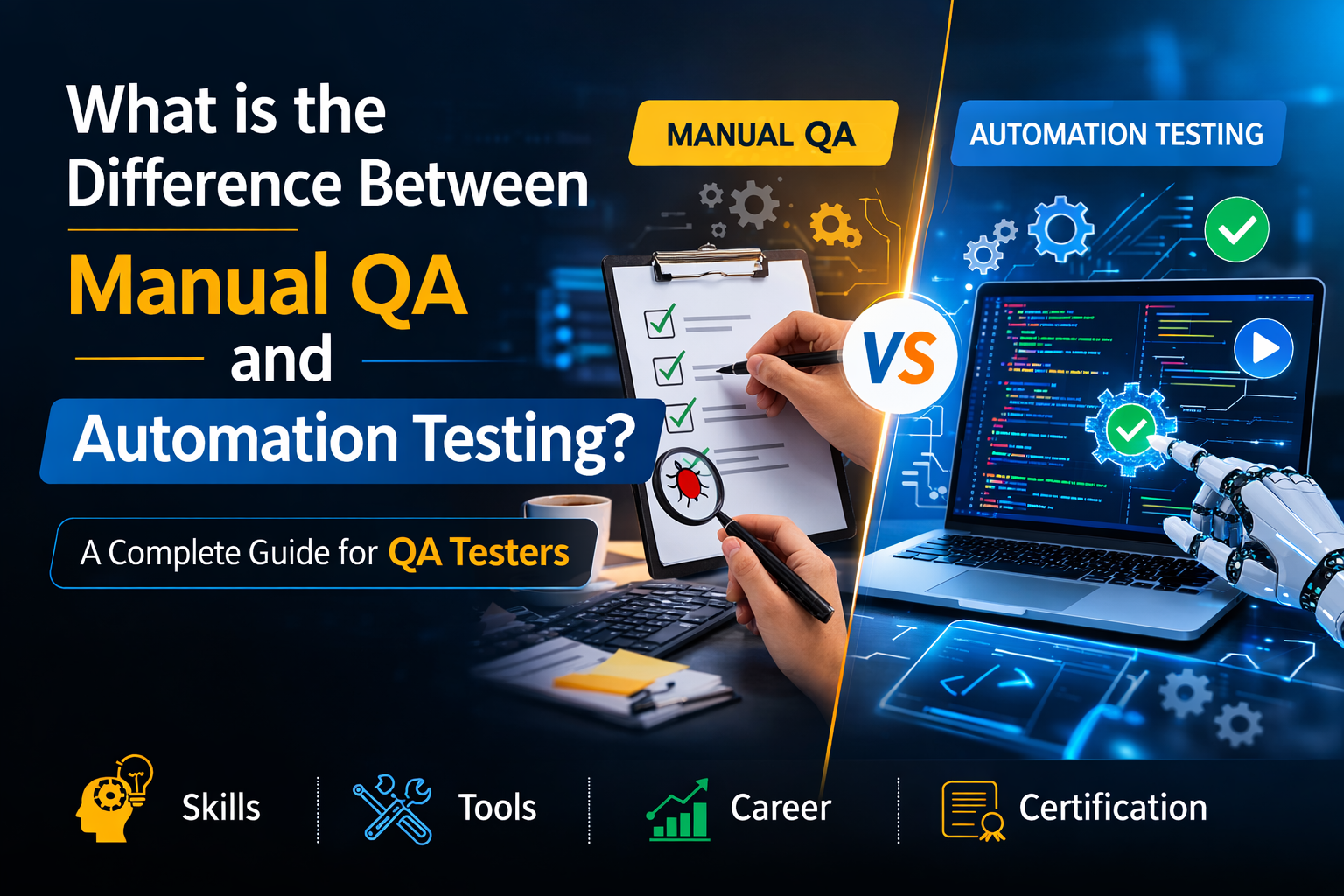
Software is everywhere today. People use apps for banking, shopping, learning, and communication. Companies must make sure these applications work without errors. Even a small bug can affect thousands of users and damage a company’s reputation.
This is where Quality Assurance (QA) becomes important. QA teams test software to make sure it works as expected before users see it. Many people who want to start a career in software testing often ask one important question: What is the difference between manual QA and automation testing?
Many beginners start their journey with QA tester training because it teaches both manual testing basics and automation testing concepts. Programs such as QA tester courses offered by H2K Infosys help students learn practical testing skills, understand real-world QA workflows, and prepare for a QA certification that can help them enter the software testing field.
In this guide, you will learn:
-
What manual QA testing is
-
What automation testing is
-
Key differences between the two approaches
-
Real-world examples from the software industry
-
Skills required for each testing method
-
How beginners can start a QA career
By the end of this article, you will clearly understand how manual testing and automation testing work together in modern software development.
What is Quality Assurance (QA) in Software Testing?
Quality Assurance ensures that a software product meets the expected standards before release. QA teams check the product for bugs, usability issues, and performance problems.
QA professionals focus on three main goals:
-
Detect software defects early
-
Ensure the product meets business requirements
-
Improve the user experience
Companies invest heavily in QA because fixing a bug after release can be very expensive.
Key QA Activities
A QA team performs several important tasks:
-
Requirement analysis
-
Test planning
-
Test case creation
-
Test execution
-
Defect reporting
-
Test documentation
Many QA tester courses teach these processes through real projects so learners understand how testing works in a real company environment.
What is Manual QA Testing?
Manual QA testing is the process where testers check software manually without using automation tools. A QA tester interacts with the application just like an end user.
The tester follows test cases step by step and verifies whether the software behaves correctly.
Example of Manual Testing
Imagine a tester needs to verify a login page.
The tester will:
-
Open the application
-
Enter a valid username
-
Enter the password
-
Click the login button
-
Check whether the dashboard opens
The tester will also test negative scenarios.
Example:
-
Enter an invalid password
-
Leave fields blank
-
Enter special characters
The tester records the results and reports any errors.
Where Manual Testing is Used
Manual testing works well in many scenarios.
Common use cases include:
-
Exploratory testing
-
Usability testing
-
Small applications
-
Early-stage testing
-
UI testing
Many companies rely on manual testers to validate user experience because human observation helps detect visual or usability issues.
Advantages of Manual Testing
Manual testing offers several benefits.
1. Easy to Learn
Beginners can learn manual testing quickly. Most QA tester training programs start with manual testing fundamentals.
2. No Coding Required
Manual testers do not need programming skills.
3. Flexible Testing
Testers can easily adjust tests based on real-time observations.
4. Best for User Experience Testing
Human testers understand user behavior better than scripts.
Limitations of Manual Testing
Manual testing also has some challenges.
1. Time Consuming
Testing large applications manually takes a lot of time.
2. Repetitive Work
Running the same tests repeatedly can become tedious.
3. Higher Human Error Risk
Testers may miss some issues when performing repetitive tasks.
What is Automation Testing?
Automation testing uses software tools and scripts to run test cases automatically. Instead of executing tests manually, the system runs pre-written scripts.
Automation tools simulate user actions and verify expected outcomes.
Automation testing is very useful for large applications that require frequent testing.
Example of Automation Testing
A tester writes a script to test the login feature.
Example automation script logic:
Open browser
Navigate to login page
Enter username
Enter password
Click login button
Verify dashboard page appears
The automation tool runs this test automatically.
If the expected result does not match the actual result, the test fails.
Where Automation Testing is Used
Automation testing works best for repetitive tasks.
Common scenarios include:
-
Regression testing
-
Performance testing
-
Load testing
-
Data-driven testing
-
Continuous integration pipelines
Companies that release software updates frequently rely heavily on automation.
Advantages of Automation Testing
Automation testing offers major benefits.
1. Faster Execution
Automation scripts run much faster than manual tests.
2. Reusable Tests
Test scripts can run multiple times without rewriting.
3. Better Accuracy
Automation reduces human error.
4. Supports Continuous Testing
Automation integrates easily with modern DevOps workflows.
Limitations of Automation Testing
Automation testing also has limitations.
1. Requires Technical Skills
Testers need programming knowledge.
2. Initial Setup Takes Time
Automation frameworks require proper setup.
3. Not Suitable for All Testing Types
Usability and exploratory testing still require manual testers.
Many QA tester courses teach both manual and automation testing so learners understand when to use each method.
Key Differences Between Manual QA and Automation Testing
Both approaches serve the same goal. They ensure software quality. However, their methods differ significantly.
|
Feature |
Manual QA Testing |
Automation Testing |
|
Execution |
Human tester runs tests |
Tools execute tests automatically |
|
Speed |
Slower |
Faster |
|
Cost |
Lower initial cost |
Higher initial setup cost |
|
Accuracy |
Higher risk of human error |
More accurate |
|
Best For |
Exploratory and usability testing |
Regression and repetitive testing |
|
Skills Needed |
Testing knowledge |
Testing plus programming |
|
Maintenance |
Easy to adjust tests |
Scripts require updates |
Companies rarely choose only one method. Instead, they combine both approaches.
Real-World Example: Manual vs Automation Testing
Consider an e-commerce application.
Manual Testing Scenario
A tester checks the shopping experience.
Tasks include:
-
Browsing products
-
Adding items to cart
-
Applying discount codes
-
Checking checkout flow
Human testers analyze whether the interface feels easy to use.
Automation Testing Scenario
Automation tools test repetitive tasks.
Examples include:
-
Checking login functionality across browsers
-
Running thousands of product search tests
-
Validating payment workflows
Automation ensures stability after each software update.
This combination improves overall software quality.
Skills Needed for Manual QA Testers
Manual testers focus on analytical and functional testing skills.
Key skills include:
1. Understanding Software Development Life Cycle
Testers must understand how software moves from development to deployment.
2. Writing Test Cases
Testers write clear and structured test cases.
3. Bug Reporting
Testers document issues clearly for developers.
4. Analytical Thinking
Testers identify unusual behaviors in software.
5. Communication Skills
Testers collaborate with developers and project managers.
Most QA tester training programs include practical exercises that teach these skills.
Skills Needed for Automation Testers
Automation testers require both QA knowledge and technical skills.
Important skills include:
Programming Knowledge
Common languages include:
-
Java
-
Python
-
JavaScript
Automation Tools
Popular automation tools include:
-
Selenium
-
Tricentis Tosca
-
Cypress
Framework Development
Automation testers create structured testing frameworks.
CI/CD Integration
Automation scripts run in continuous integration pipelines.
Many advanced QA tester courses introduce automation after students understand manual testing.
When Should You Use Manual Testing?
Manual testing works best in certain scenarios.
Use manual testing when:
-
Testing new features
-
Evaluating user interface design
-
Performing exploratory testing
-
Testing small applications
-
Checking usability
Manual testing provides human insight that automation tools cannot replicate.
When Should You Use Automation Testing?
Automation testing becomes essential for large projects.
Use automation testing when:
-
Running regression tests
-
Testing large datasets
-
Repeating the same test cases
-
Running tests across multiple environments
-
Supporting DevOps pipelines
Automation saves time and increases testing coverage.
How Manual and Automation Testing Work Together
Successful QA teams use both methods.
The typical workflow looks like this:
-
Testers start with manual testing
-
Stable features move to automation scripts
-
Automation runs regression tests regularly
-
Manual testers focus on exploratory testing
This balanced approach improves both speed and software quality.
Many companies expect QA professionals to understand both testing types.
That is why QA tester training programs now include both manual and automation testing modules.
Career Opportunities in QA Testing
The demand for QA professionals continues to grow as companies build more digital products.
Common QA roles include:
-
QA Tester
-
Automation Test Engineer
-
QA Analyst
-
Test Lead
-
QA Manager
Entry-level testers often begin with manual testing roles.
Later, they expand into automation testing.
Professionals who complete QA tester courses and earn a QA certification often gain a strong advantage during job searches.
How QA Training Helps Beginners Start a Career
Many people entering the software industry start with QA because it offers an accessible entry point.
Structured QA tester training provides several benefits.
Hands-On Projects
Students test real applications and create test cases.
Industry Tools
Training programs teach tools used in real companies.
Practical Testing Scenarios
Students practice bug reporting, test planning, and automation basics.
Certification Preparation
Training programs help learners prepare for a recognized QA certification.
Programs like those offered by H2K Infosys focus on practical skills so learners understand real QA workflows used in software companies.
Simple Step-by-Step Guide to Start a QA Career
Beginners can follow a clear path.
Step 1: Learn Manual Testing Basics
Understand software testing concepts and QA processes.
Step 2: Practice Writing Test Cases
Learn how to document test scenarios.
Step 3: Learn Bug Tracking Tools
Understand how teams report and track defects.
Step 4: Learn Automation Basics
Study automation tools like Selenium or Tosca.
Step 5: Complete QA Tester Training
Structured training helps build confidence and practical skills.
Step 6: Earn a QA Certification
Certification validates your knowledge and improves job opportunities.
Following this path helps beginners enter the software testing field more confidently.
Key Takeaways
-
QA ensures software quality before release.
-
Manual QA testing involves human testers executing test cases.
-
Automation testing uses tools and scripts to run tests automatically.
-
Manual testing works best for usability and exploratory testing.
-
Automation testing works best for repetitive and large-scale testing.
-
Modern QA teams combine both methods.
-
Structured QA tester training and QA tester courses help beginners learn real testing skills.
-
Earning a QA certification can improve career opportunities.
Conclusion
Understanding the difference between manual QA and automation testing is essential for anyone entering the software testing field. Both approaches play an important role in delivering reliable software products.
Start building your testing skills today with structured QA tester training at H2K Infosys and prepare for a successful career in software quality assurance.
 English
 Arabic
 French
 Spanish
 Portuguese
 Deutsch
 Turkish
 Dutch
Dutch
 Italiano
 Russian
 Romaian
 Portuguese (Brazil)
 Greek
Greek
